
Ordering a website for your company and the quote is full of words like "domain," "hosting" and "mail server"? To most people that sounds like technical jargon. In reality these are three simple ideas you can grasp through everyday analogies. At the end of 2025 there were 386.9 million registered domains in the world (Verisign, 2026). This guide explains how a domain, hosting and business email work together, without a single complicated word.
TL;DR
A domain is your company's address on the internet, like yourcompany.com. Hosting is the space where the website's files actually live. Email via cPanel is your own post office on that domain.
All three work together: the domain leads to the hosting, and the hosting serves both the site and the mail. They are tied together by DNS, the "phonebook of the Internet."
Let's take it step by step. These three terms come up together because they are connected, but each does its own job. Once you understand who does what, it's easier to read quotes, make sense of invoices and know what to ask a provider for. Let's start with the address.
What is a domain?
A domain is your company's address on the internet, for example yourcompany.com. Instead of memorizing a string of numbers (an IP address), you type a readable name. At the end of 2025 there were 386.9 million registered domains, up 6.2% in a year, with .com addresses alone at 161.0 million (Verisign, 2026).
Think of a domain as a building address. Nobody memorizes the geographic coordinates of an office; they remember the street and number. On the internet every server has a numeric address (an IP), but people remember names. The domain is that human-readable name standing in for the numbers.
A domain isn't bought once and forever; it's leased for a period with renewal, usually yearly. As long as you pay the renewal, the name is yours. That's why it pays to choose a domain carefully: it becomes part of the company identity, going on business cards, email signatures and vehicles. [UNIQUE INSIGHT] Nearly 387 million registered domains shows how crowded the space is, so short, memorable names keep getting rarer.
Growth in registered domains during 2025 (in millions)
Source: Verisign, Domain Name Industry Brief, 2025.
What is hosting?
Hosting is the space where your website's files actually live. It's a server, a computer that's always on and connected, so the site is available around the clock. Why does reliable hosting matter? A single hour of downtime exceeds $300,000 for more than 90% of mid-size and large enterprises, per US data (ITIC, 2024).
The analogy is simple: if the domain is the address, hosting is the land and the building at that address. Your site's files, images and text are the furniture inside. When someone types your address, the browser arrives at that land and picks up the contents of the building.

That's why hosting quality isn't a trivial detail. A slow or unreliable server means a page that "drags" or occasionally goes down, and visitors notice. [UNIQUE INSIGHT] Although the figure of over $300,000 per hour is US data about large systems, the lesson applies everywhere: downtime always costs something, even if it's only lost inquiries. We cover how the choice of technology affects speed in our article on static website vs WordPress/Joomla.
How do a domain and hosting work together (what is DNS)?
DNS is the system that connects the domain (the name) with the hosting (the server's numeric IP address). Cloudflare aptly calls it the "phonebook of the Internet" because it translates domain names into IP addresses (Cloudflare). Without it you'd have to memorize numbers instead of names.
Here's what happens when someone types your address. The browser asks DNS: "what number is yourcompany.com at?" DNS returns the IP address of your hosting, and the browser then goes to that server and fetches the page. All of it takes a fraction of a second.
The practical upshot: the domain and hosting can sit with different providers, and DNS links them. When you switch hosting, you don't have to change the domain, you just point it to a new number in DNS. That's why DNS is the quiet middleman you rarely think about while everything works.

How does business email work through cPanel?
cPanel is a hosting control panel, one of the most widely used such tools (cPanel). Through it, with no technical knowledge, you create business mailboxes on your domain, for example office@yourcompany.com. An address on your own domain looks more serious than free addresses and builds trust.
Picture cPanel email as your company's internal post office. In that office you open boxes for each employee: sales@, accounting@, first.last@. Every box has its own password and its own space. You own the office, so you decide who gets which box.
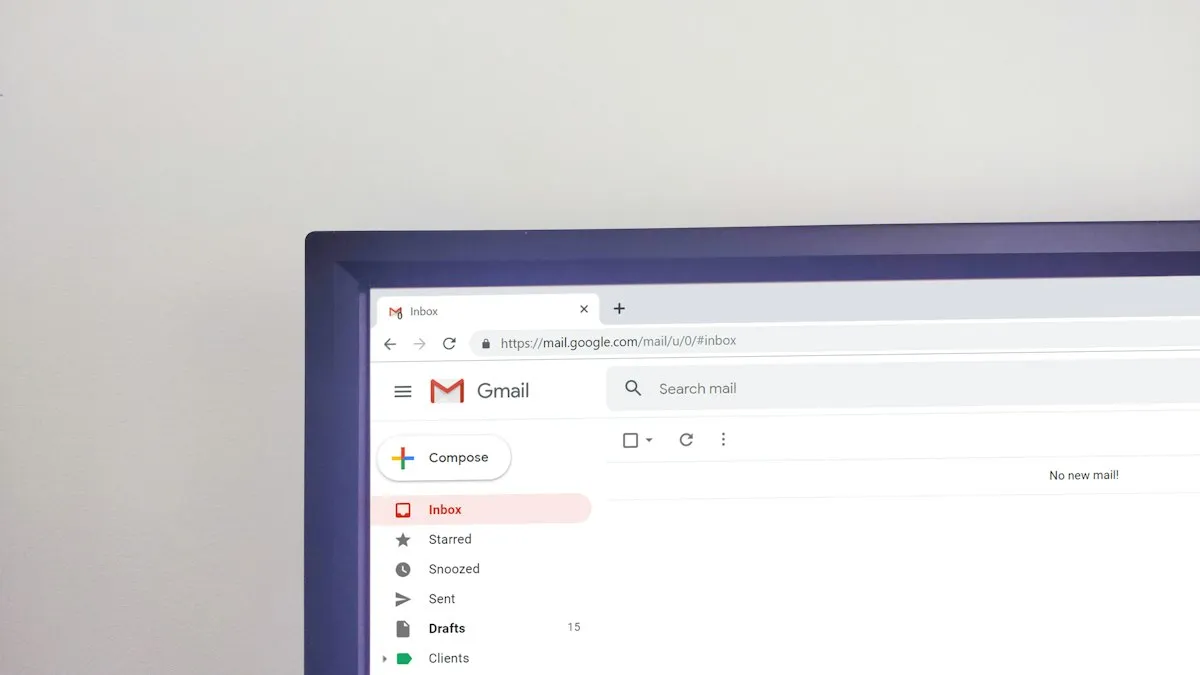
You can read messages in two ways. The first is webmail: you open your mail through a browser, much like any website, with no installation. The second is through a program or app like Outlook or a mobile mail client, where mail is fetched over the IMAP protocol (receiving) and SMTP (sending). Both ways reach the same mailbox, just from different places.
Why does email end up in spam? (SPF, DKIM, DMARC in brief)
The most common reason is missing SPF, DKIM and DMARC records. These are digital seals that prove to the recipient's server that the message really came from your domain, not a forgery. Phishing was one of the most common initial attack vectors, around 16% of breaches, with a global average breach cost of $4.44 million (IBM, 2025).
Back to the post office analogy. SPF, DKIM and DMARC are the official seal on the envelope that confirms the sender. When the seal is missing, the recipient's server can't verify whether the message is genuine, so out of caution it sends it to spam or rejects it. This happens to perfectly legitimate messages too, not just scams.
Because of rising fraud, filters keep getting stricter. After Google and Yahoo introduced mandatory rules for bulk senders in early 2024, DMARC adoption roughly doubled, a clear trend toward verified mail (EasyDMARC, 2025). In other words, the seal on the mail is slowly becoming the rule rather than the exception. If you want the bigger picture on protection, see our article on website security too.
The terms at a glance
Every term in this guide boils down to a simple analogy. This table is a quick cheat sheet you can use the next time you read a quote for a website.
| Term | Plain explanation |
|---|---|
| Domain | Your company's address on the internet (e.g. yourcompany.com) |
| Hosting | The space where the site's files live |
| DNS | The phonebook that links the name and the server |
| cPanel | The control panel for hosting and mail |
| Mailbox | A box on your domain (name@yourcompany.com) |
| SSL / HTTPS | A locked, sealed connection to the site |
When we set up business email for clients, what solves the most problems in practice is exactly correct SPF, DKIM and DMARC. Without those records, even perfectly legitimate messages, quotes and invoices, used to land in the recipient's spam. The moment the seals are in place, delivery visibly improves. That's why we set them up before a mailbox even enters everyday use.
Need a domain, hosting and business email in one place?
Take a look at our work or tell us what you need. We'll set up the domain, hosting and mailboxes so your mail arrives and your site runs without worry.
Request a free quote →Frequently asked questions
Do I need both a domain and hosting for a website?
Yes, you need both. The domain is the address (a name like yourcompany.com), and hosting is the space where the site's files live and from which they're served. Without hosting the address leads nowhere, and without a domain visitors can't easily reach you. Most often both are taken from the same provider.
Can I have name@mycompany.com?
Yes. Once you have your own domain and hosting, you create mailboxes on your domain through cPanel, for example office@mycompany.com. You read messages via webmail in a browser, or through a program like Outlook and a mobile app. An address on your own domain looks more serious than free ones.
What is cPanel?
cPanel is a hosting control panel, one of the most widely used such tools. Through it, with no technical knowledge, you create email mailboxes and manage files and settings. Think of it as a car's dashboard: you don't need to know how the engine works in order to drive.
Why does my email go to spam?
The most common reason is missing SPF, DKIM and DMARC records, digital seals that prove a message really came from your domain. Without them even legitimate messages land in spam. Phishing was one of the most common initial attack vectors, around 16% of breaches (IBM, 2025), so servers filter unverified mail ever more strictly.
Is the domain mine forever?
No, a domain is leased for a period, usually one year, with renewal. As long as you pay the renewal, it stays yours and no one can take it. If you forget to renew, after a grace period it becomes free and someone else can register it. That's why it's wise to enable automatic renewal.
Sources
- Verisign — "Q4 2025 Domain Name Industry Brief," Feb 5, 2026. Retrieved 2026-06-28. blog.verisign.com
- Cloudflare Learning Center — "What is DNS?". Retrieved 2026-06-28. cloudflare.com
- ITIC — "2024 Hourly Cost of Downtime Report" (US data), 2024. Retrieved 2026-06-28. itic-corp.com
- IBM — "Cost of a Data Breach Report 2025" (global), 2025. Retrieved 2026-06-28. ibm.com
- EasyDMARC — "DMARC Adoption Report 2025," 2025. Retrieved 2026-06-28. easydmarc.com
- cPanel — official control panel website. Retrieved 2026-06-28. cpanel.net